Introduction
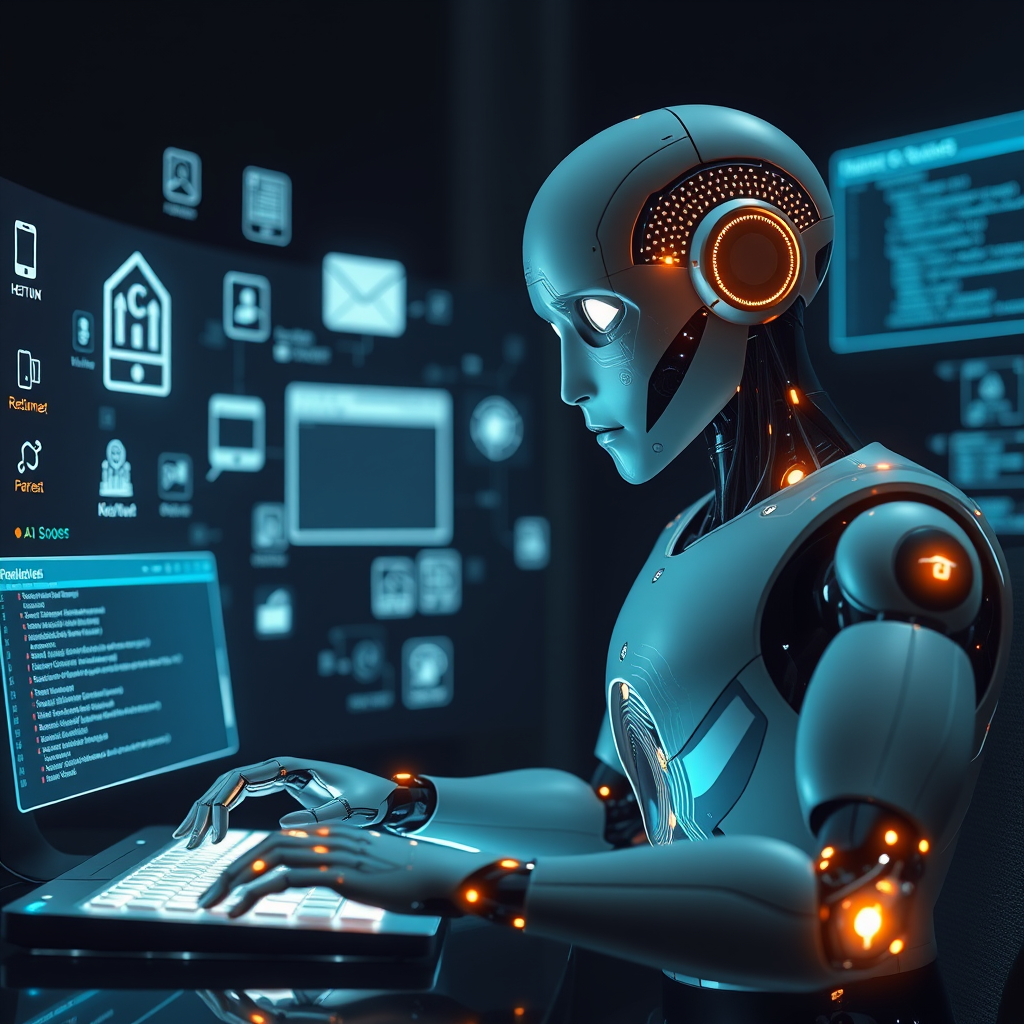
In the rapidly evolving landscape of artificial intelligence, the concept of an autonomous agent that can interact with a computer environment has moved from science fiction to practical reality. Traditional AI systems often rely on cloud‑based inference, which introduces latency, privacy concerns, and dependency on external infrastructure. By contrast, a fully local computer‑use agent—one that can perceive its surroundings, reason about desired outcomes, plan a sequence of actions, and then execute those actions on a virtual desktop—offers a compelling alternative for developers who need speed, security, and offline capability.
This tutorial takes you through the entire pipeline of creating such an agent from scratch. We begin by constructing a miniature simulated desktop that mimics the essential elements of a real operating system: windows, icons, menus, and input devices. Next, we expose a tool interface that translates high‑level commands into low‑level GUI operations. The heart of the system is an intelligent agent built around a local open‑weight language model. Unlike many tutorials that simply plug in a pre‑trained model, we show how to fine‑tune a lightweight transformer so that it can understand the semantics of the simulated environment and generate actionable plans. Throughout the process, we emphasize practical considerations such as state representation, action encoding, and error handling, ensuring that the agent can recover from missteps and adapt to new tasks.
By the end of this guide, you will have a working prototype that can, for example, open a text editor, type a paragraph, save the file, and close the application—all without any cloud calls. The techniques presented here are directly transferable to real‑world desktop automation, robotics, and even web‑scraping scenarios where local inference is paramount.
Main Content
Designing the Simulated Desktop Environment
The first step is to create a sandbox that mimics the visual and interactive aspects of a typical desktop. Rather than building a full operating system, we construct a lightweight GUI using a cross‑platform toolkit such as PyQt or Tkinter. The desktop contains a set of windows, each with a title bar, close button, and content area. Icons are represented as clickable widgets that launch corresponding applications. By abstracting the GUI into a hierarchical scene graph, we can expose a programmatic API that returns the current state of every element: its coordinates, visibility, and textual content.
This abstraction is crucial because the agent’s perception module will consume the scene graph as a structured observation. Instead of raw pixel data, the agent receives a JSON‑like representation that lists all interactive objects. This reduces the dimensionality of the input, speeds up inference, and allows the model to focus on the semantics of the task rather than low‑level visual noise.
Building the Tool Interface
Once the environment is in place, we need a bridge that translates the agent’s textual or symbolic actions into concrete GUI events. We design a tool interface that exposes a small set of primitive operations: click(x, y), type(text), drag(src, dst), and wait(seconds). Each primitive is implemented by sending events to the underlying GUI framework. For example, the click primitive calculates the absolute screen coordinates of a target widget and issues a mouse event. The type primitive simulates keyboard strokes, handling modifiers such as Shift or Ctrl.
The tool interface also provides feedback to the agent. After each action, the interface returns a status code indicating success, failure, or the need for additional input. This feedback loop is essential for the agent to learn from mistakes and refine its plans.
Architecting the Agent’s Reasoning Loop
The core of the system is a reasoning loop that alternates between perception, planning, and execution. At each iteration, the agent receives the current scene graph, processes it through a local transformer, and outputs a plan—a sequence of tool calls that, if executed, will move the system closer to the goal. The loop can be formalized as:
- Perception: Encode the scene graph into a vector representation using a lightweight encoder.
- Planning: Feed the encoded state into the language model, prompting it with a task description and the current state. The model generates a list of tool calls.
- Execution: Pass the plan to the tool interface, executing each primitive in order.
- Feedback: Capture the outcome of each action and update the scene graph.
- Iteration: Repeat until the goal is achieved or a maximum number of steps is reached.
This loop mirrors the classic sense–plan–act paradigm found in robotics, but it is implemented entirely in software using a language model as the planner.
Integrating Local Open‑Weight Models
A key design decision is to use an open‑weight transformer that can run entirely on a local machine. We choose a model such as LLaMA‑7B or GPT‑NeoX‑2.7B, which balances performance and resource usage. The model is fine‑tuned on a curated dataset of GUI interactions: each example pairs a textual instruction (e.g., "Open the calculator") with a sequence of tool calls.
Fine‑tuning is performed using a simple supervised learning objective: cross‑entropy loss over the tokenized plan. We also employ instruction‑tuning by prefixing each example with a prompt that describes the task and the current state. This encourages the model to generate plans that are context‑aware.
Because the model runs locally, we can cache embeddings and reuse them across iterations, further reducing latency. We also implement a lightweight beam search to explore multiple plan candidates, selecting the one with the highest probability.
Planning and Decision Making
During planning, the agent must balance exploration and exploitation. A naive approach would always choose the highest‑probability plan, which can lead to suboptimal or repetitive actions. To mitigate this, we introduce a stochastic sampling strategy that occasionally selects lower‑probability plans, encouraging the agent to discover alternative routes to the goal.
We also incorporate a simple heuristic that penalizes plans that revisit the same state, thereby reducing loops. The heuristic is implemented as a small penalty added to the log‑probability of any action that would return the system to a previously seen scene graph.
Executing Virtual Actions
Execution is the most tangible part of the agent’s workflow. Each tool call is executed sequentially, with the tool interface providing immediate feedback. If an action fails—say, because a window is not yet fully rendered—the agent receives an error code and can decide to retry or abort.
To handle asynchronous events, we wrap the tool interface in an event‑loop that listens for GUI updates. This ensures that the agent’s perception step always receives the most recent state, preventing stale observations from corrupting the plan.
Testing and Debugging
Testing a computer‑use agent is inherently more complex than unit‑testing a function. We adopt a multi‑layered testing strategy:
- Unit tests for the tool interface, ensuring that each primitive behaves as expected.
- Integration tests that run the full reasoning loop on a set of predefined tasks, verifying that the final state matches the goal.
- Stress tests that simulate rapid user input and network latency, ensuring that the agent remains robust under load.
Debugging is facilitated by a visual debugger that overlays the agent’s plan on the simulated desktop. By stepping through each action, developers can pinpoint where the model diverges from the intended behavior.
Conclusion
Building a fully functional computer‑use agent that thinks, plans, and executes virtual actions is a multidisciplinary endeavor that blends GUI programming, natural language processing, and reinforcement learning principles. By constructing a simulated desktop, exposing a concise tool interface, and fine‑tuning a local transformer, we create an agent that can autonomously perform complex tasks without relying on cloud services. The techniques outlined in this tutorial—state abstraction, local inference, and feedback‑driven planning—are broadly applicable to any scenario where privacy, latency, and offline capability are paramount.
The resulting prototype demonstrates that local AI models can match, and in some cases surpass, the performance of their cloud‑based counterparts for desktop automation. As open‑weight models continue to grow in capability, the barrier to entry for building sophisticated agents will only lower, opening the door to a new generation of intelligent, privacy‑preserving software.
Call to Action
If you’re excited by the prospect of autonomous agents that can interact with your computer without sending data to the cloud, it’s time to dive in. Start by cloning the repository linked in the tutorial, experiment with different prompts, and tweak the fine‑tuning dataset to suit your own workflow. Share your results on GitHub or a community forum—your insights could help refine the next iteration of local AI agents. Whether you’re a researcher, developer, or hobbyist, the tools and concepts presented here empower you to build the next wave of intelligent desktop applications. Let’s push the boundaries of what local AI can achieve together.